Gym Pass Support
Your Digital Gym Membership in Apple Wallet
Key Features
Quick Access
Access your gym pass instantly from Apple Wallet, even when offline
Apple Watch Support
Show your pass directly from your Apple Watch for hands-free entry
Auto Updates
Your pass updates automatically when your membership changes
Secure
Protected by your device's security features and encryption
How to Access Your Gym Pass
Apple Wallet is built into every iPhone and Apple Watch. Here's how to quickly access your pass at the gym:
On iPhone
Fastest Method:
- Double-click the Side Button (iPhone X or later) or Home Button (iPhone 8 or earlier)
- Your Gym Pass will appear on screen
- Hold your phone near the scanner at the gym front desk
OR
From Wallet App:
- Open the Wallet app (it's pre-installed on all iPhones)
- Tap on your Gym Pass
- Show the QR code to the scanner
Pro Tip: You can also say "Hey Siri, open my gym pass" to access it hands-free!
On Apple Watch
Quick Access:
- Double-click the Side Button below the Digital Crown
- Swipe to find your Gym Pass
- Hold your wrist near the scanner
OR
From Wallet App:
- Press the Digital Crown to see all apps
- Tap the Wallet app icon
- Select your Gym Pass and present to scanner
Pro Tip: Your pass may automatically appear when you arrive at the gym if location services are enabled!
No App Download Needed! Apple Wallet is already on your device. Just add your pass and you're ready to go.
iPhone Screenshots
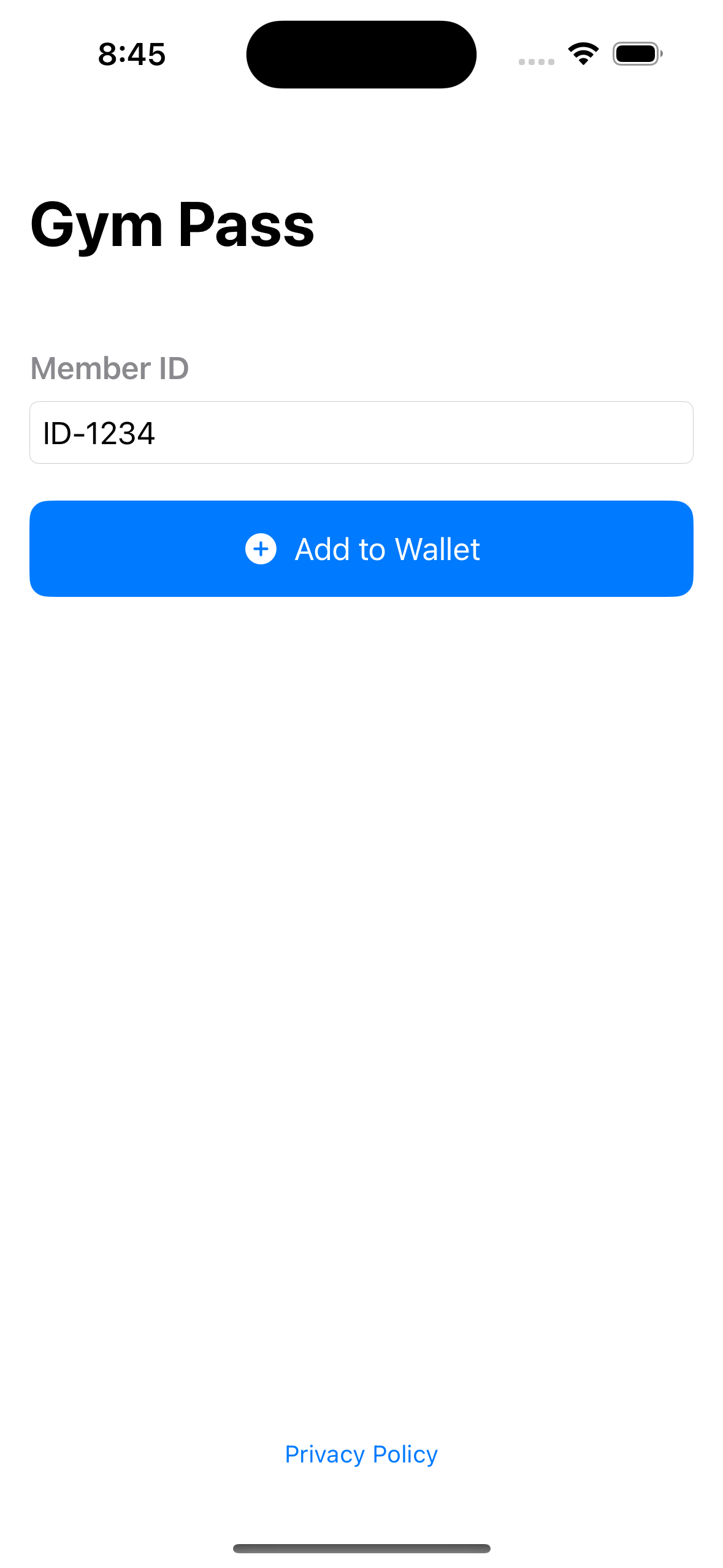
Pass Overview
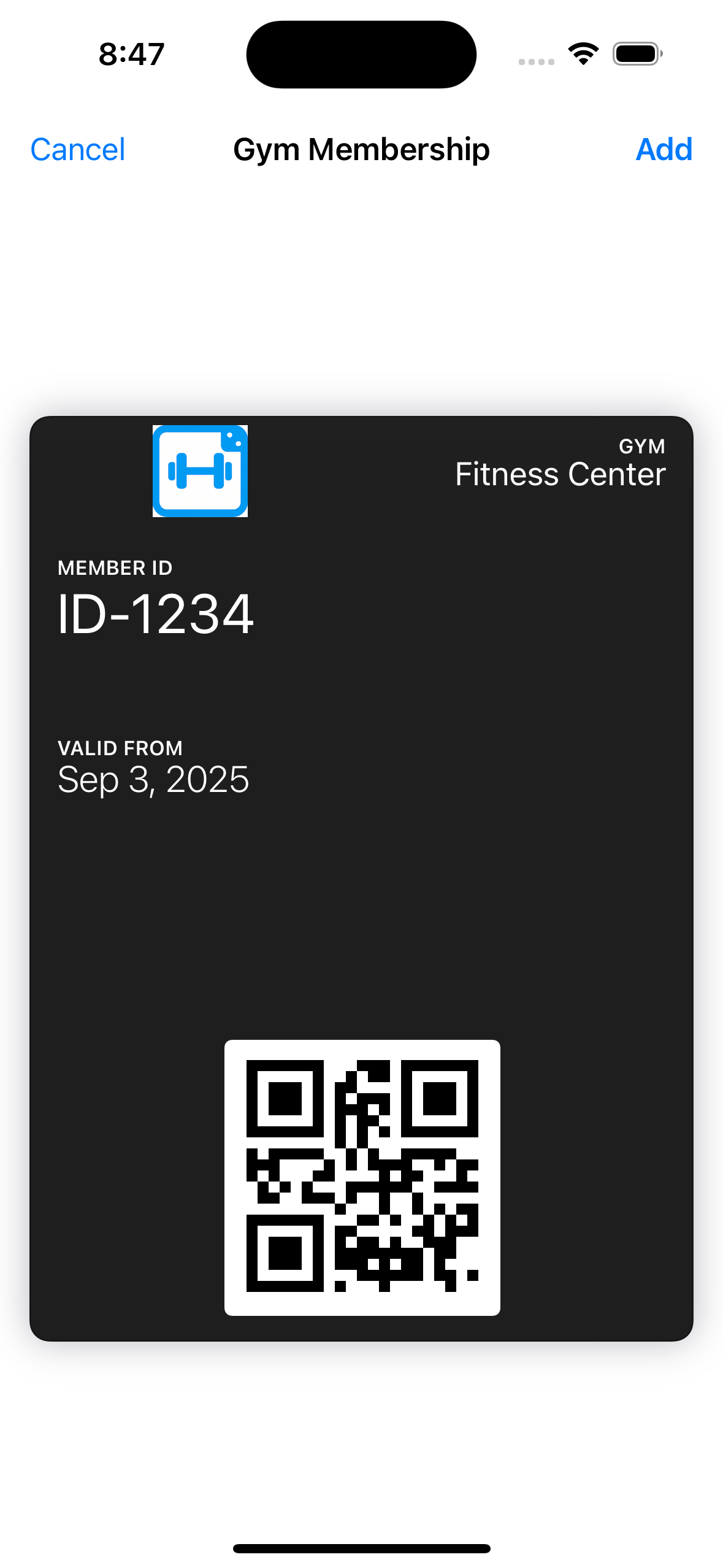
Membership Details
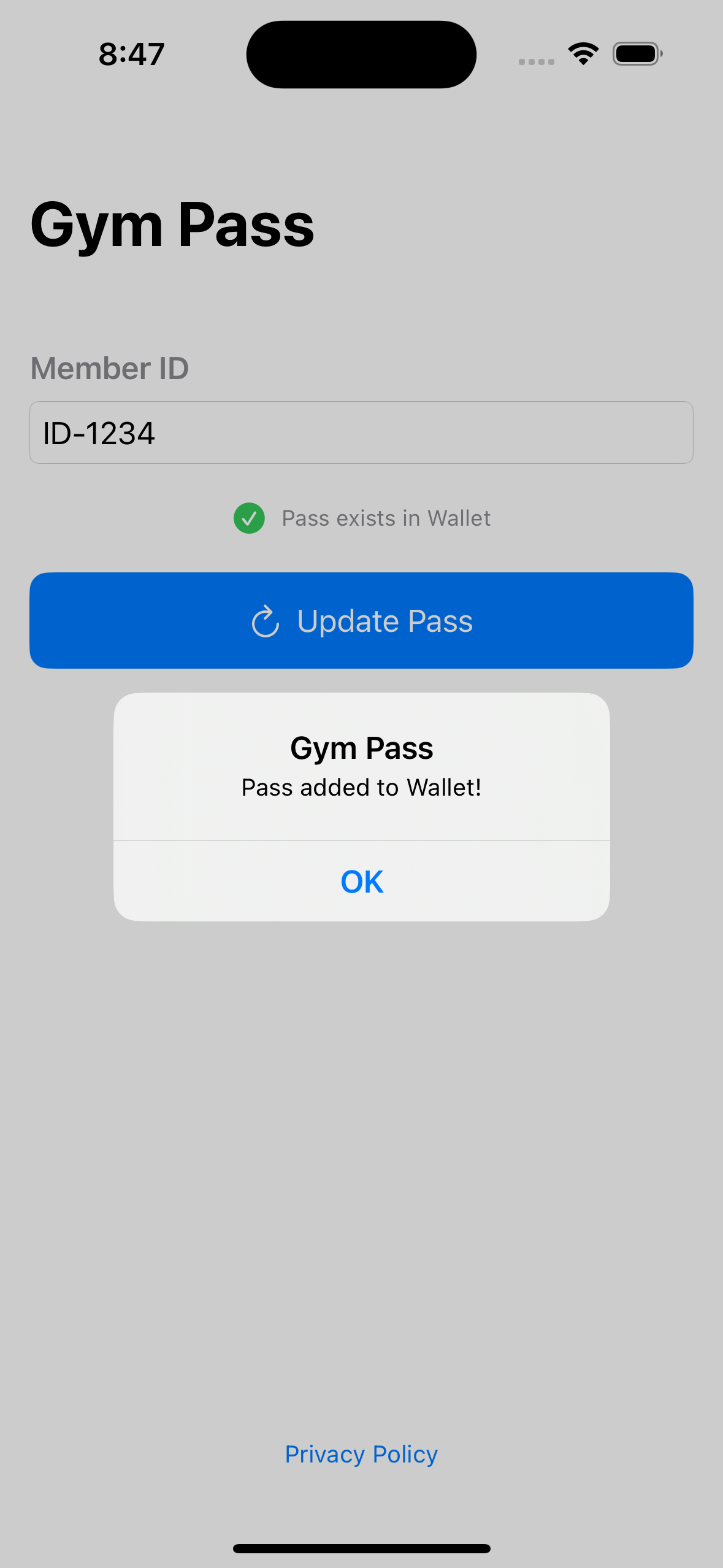
QR Code Scanner
Apple Watch Screenshots
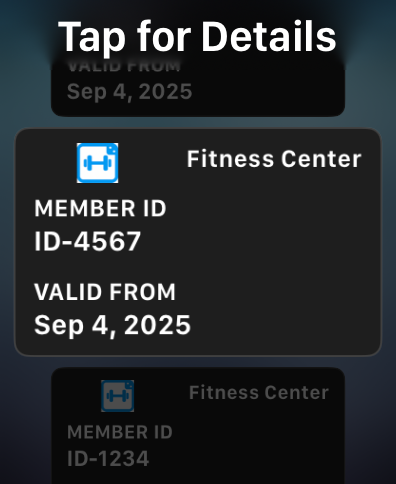
Wallet View

QR Code Display